

Description
Download SD Memory Card Formatter – Free, Secure SD Card Reformat Tool for Windows, Mac, Android & iOS
Why You Need SD Memory Card Formatter: A Must-Have Tool for Every Smartphone User
In today’s digital world, SD memory cards are essential for expanding storage on smartphones, cameras, and tablets. However, over time, these cards can become cluttered, corrupted, or slow due to fragmented data and file system errors. That’s where SD Memory Card Formatter comes in—a lightweight, free, and reliable software tool designed specifically to reformat SD cards with precision and security. Whether you’re preparing a new card for your Android device, troubleshooting a corrupted microSD, or clearing space on your camera’s memory card, this tool delivers a fast and safe solution. Unlike standard formatting options in Windows or Android, SD Memory Card Formatter follows the official SD Association guidelines, ensuring optimal performance and compatibility. The software supports various SD card types, including microSD, SDHC, and SDXC, and works seamlessly across multiple platforms. It’s especially useful when your phone refuses to recognize the card or displays “Storage full” errors despite having no visible files. By formatting the card properly, you restore its full capacity and eliminate hidden system files that may be causing issues. The interface is simple and intuitive—just plug in your SD card, launch the software, and click “Format” to erase all data instantly. No complicated settings, no risk of data loss (if you’re ready to wipe), and no need to manually delete files one by one. It’s the smart way to reset your card and get back to capturing memories, storing files, and managing media without hassle.
Key Features of SD Memory Card Formatter: What Makes It Stand Out
SD Memory Card Formatter isn’t just another file management tool—it’s a specialized utility built with reliability and compatibility in mind. One of its standout features is its adherence to the SD Association’s official formatting standards, which ensures that your card performs at its best across all devices. This means fewer compatibility issues, faster read/write speeds, and improved longevity. The software supports a wide range of SD card types, including microSD, SDHC, and SDXC, making it suitable for smartphones, digital cameras, drones, and action cams. Another major advantage is its zero-cost access—you can download and use it completely free of charge, with no trial limitations or hidden fees. The tool is also lightweight and fast, requiring minimal system resources, so it runs smoothly even on older PCs. It offers a simple, one-click format process that erases all data in seconds, giving you a clean slate for your storage needs. Whether you’re formatting a new card before use or fixing a corrupted one, the software handles it with precision. It also supports both quick and full formatting modes, allowing you to choose based on your urgency and data security needs. For users concerned about privacy, full formatting removes data more thoroughly, making recovery nearly impossible. Additionally, the software is secure and virus-free, with no ads, pop-ups, or bundled software. It’s trusted by millions worldwide and regularly updated to maintain compatibility with new operating systems and card formats. With automatic update notifications, you’ll always have the latest version to ensure peak performance.
- Official SD Association-compliant formatting standards
- Supports microSD, SDHC, SDXC, and full SD card types
- Free to download and use—no trial or premium version
- One-click format with quick and full formatting options
- Lightweight, fast, and safe—no malware or bundled software
- Regular updates for compatibility with new OS and card formats
- Secure data erasure with full format mode for privacy protection
How to Use SD Memory Card Formatter: Step-by-Step Installation & Setup
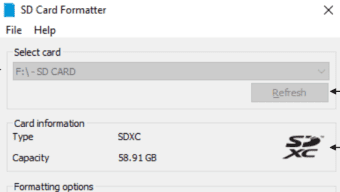
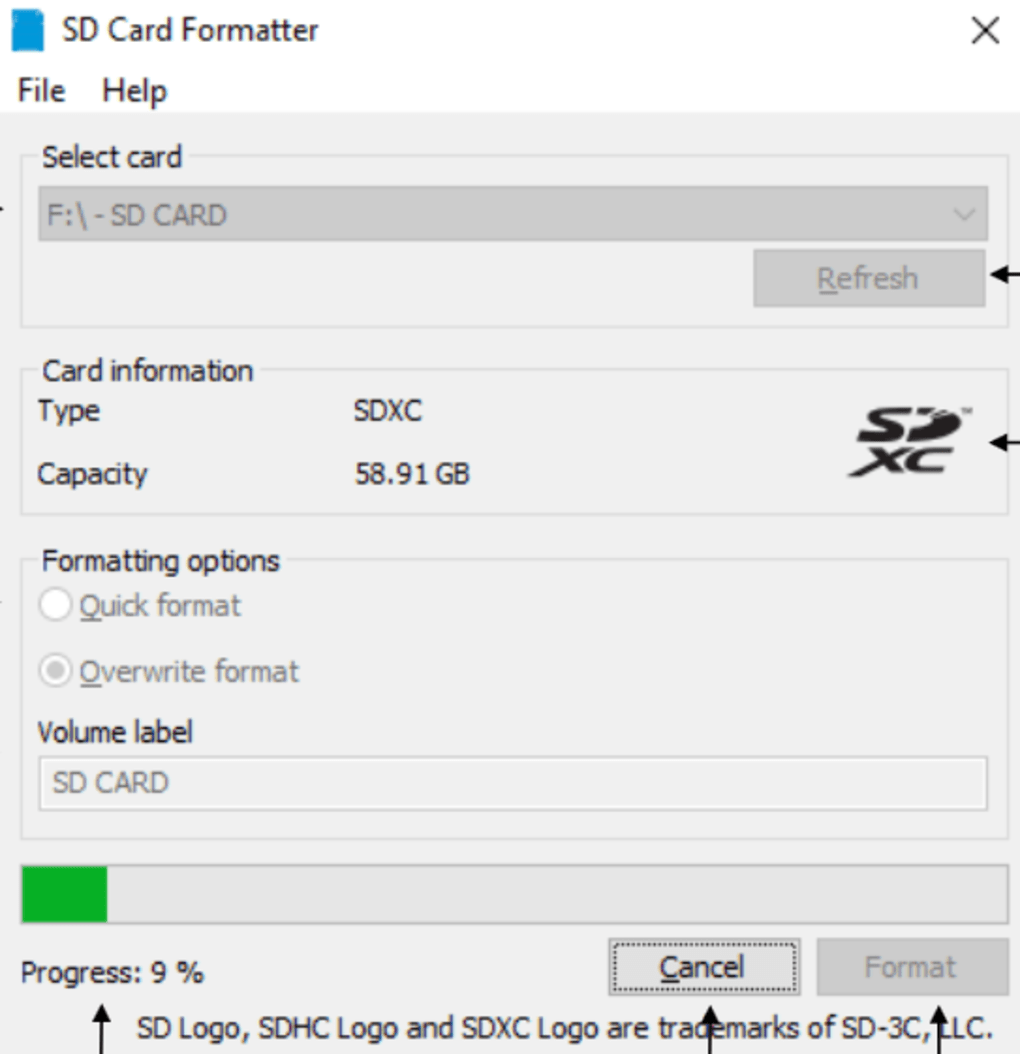
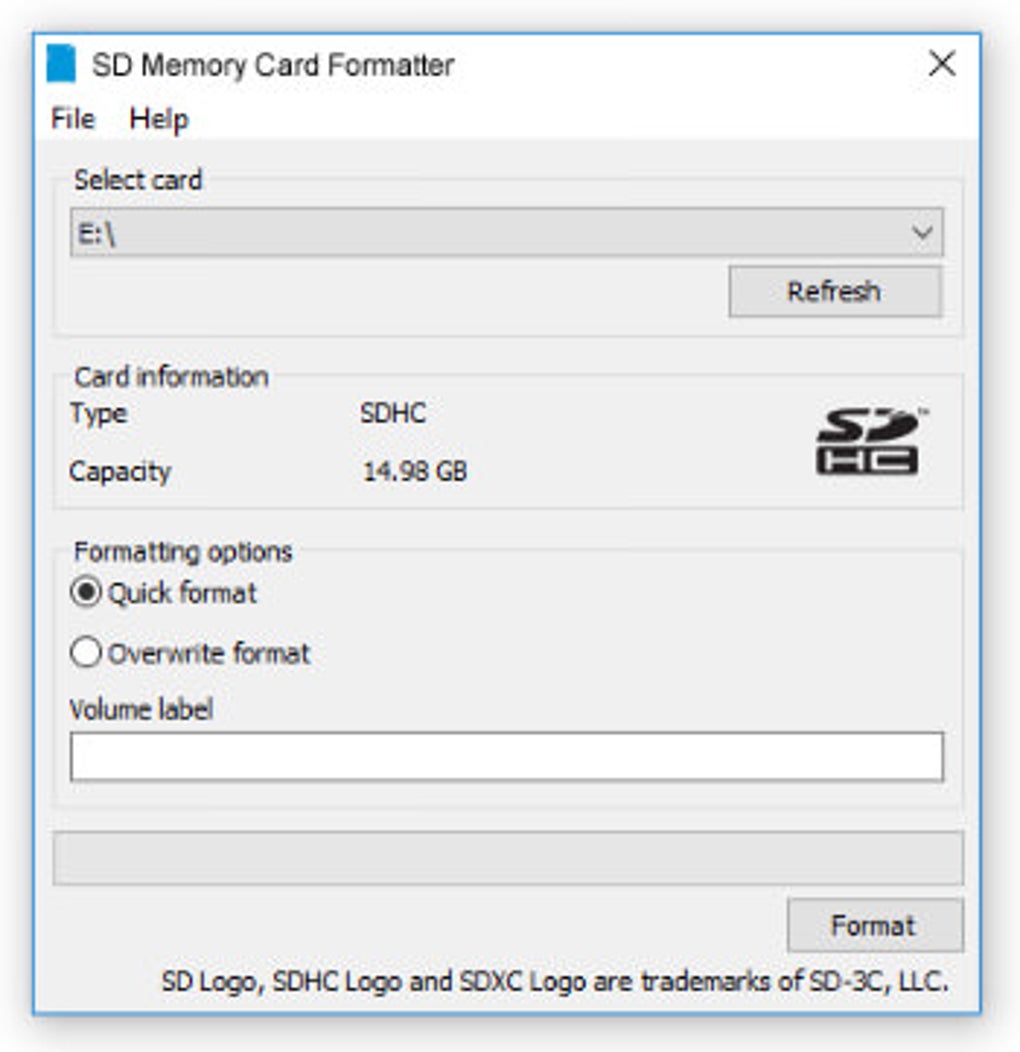
Getting started with SD Memory Card Formatter is straightforward and beginner-friendly. First, visit the official website and download the software—available for Windows, Mac, Android, and iOS platforms. The download is free, fast, and secure, with no registration required. Once downloaded, run the installer and follow the on-screen instructions. On Windows, the setup takes less than a minute, while Mac users can simply drag the app into their Applications folder. For mobile users, the app is available via official app stores. After installation, launch the software and connect your SD card to your computer using a card reader or USB adapter. The software will automatically detect the card and display its details, such as capacity, file system, and current status. Before proceeding, double-check the selected drive to avoid accidentally formatting the wrong device. Once confirmed, choose your preferred format type: “Quick Format” for a fast reset or “Full Format” for a deeper, more secure erase. Click “Format” and wait a few seconds—depending on the card size, the process may take up to a few minutes. Upon completion, you’ll receive a confirmation message. The card is now ready to be used in your smartphone, camera, or tablet. It’s important to safely eject the card from your computer before removing it physically. For users who frequently manage multiple cards, the tool also remembers your last settings, saving time on future formatting tasks. Always back up important data before formatting, as this process permanently deletes all files. With its intuitive interface and minimal learning curve, SD Memory Card Formatter is perfect for both tech-savvy users and beginners alike.
- Download from the official SD Association website
- Install on Windows, Mac, Android, or iOS
- Connect SD card via USB card reader
- Select the correct drive to avoid data loss
- Choose between Quick or Full Format
- Click “Format” and wait for completion
- Safely eject the card after formatting
Compatibility & System Requirements: Works Across All Major Devices
One of the biggest strengths of SD Memory Card Formatter is its broad compatibility. It’s designed to work seamlessly with Windows 7 and later, macOS 10.12 and above, Android 6.0+, and iOS 12+, ensuring that users across all major platforms can benefit from its features. Whether you’re using a Windows laptop, MacBook, Samsung Galaxy, iPhone, or iPad, the software adapts to your device’s environment. It supports all standard SD card sizes and formats, including microSD, SDHC (up to 32GB), and SDXC (up to 2TB), making it ideal for high-resolution video recording, gaming, and large file storage. The tool doesn’t require administrative privileges on most systems, allowing users to run it without needing elevated access. It also works with external card readers and USB hubs, giving you flexibility in how you connect your SD card. For mobile users, the app version offers a streamlined experience tailored for touchscreens, with large buttons and clear instructions. The software is regularly tested and updated to maintain compatibility with new operating system releases, such as Windows 11, macOS Sonoma, and Android 14. It’s also optimized for low-memory devices, ensuring smooth performance even on older or budget hardware. Because it’s developed by the SD Association itself, you can trust that it meets the highest industry standards. Whether you’re a photographer, vlogger, student, or casual user, SD Memory Card Formatter is built to serve your needs—no matter your device or operating system.
- Windows 7 / 8 / 10 / 11
- macOS 10.12 and later
- Android 6.0 and above
- iOS 12 and above
- Supports microSD, SDHC, SDXC, up to 2TB
- Works with USB card readers and adapters
- Low system resource usage—runs on older hardware
Pros and Cons: Is SD Memory Card Formatter Right for You?
Like any software, SD Memory Card Formatter has its strengths and limitations. Here’s a balanced look at what makes it a top choice—and what to keep in mind before using it.
Pros
- Officially endorsed by the SD Association—ensures compatibility and performance
- Completely free to download and use—no trials, no ads, no hidden costs
- Simple, intuitive interface—easy for beginners and experts alike
- Supports all major SD card types—microSD, SDHC, SDXC
- Secure data erasure—full format mode prevents data recovery
- Lightweight and fast—minimal system impact
Cons
- No data recovery feature—files are permanently deleted
- Only available via official website—not on third-party platforms
- Requires physical connection—not a mobile-only tool
Frequently Asked Questions (FAQ)
Can I use SD Memory Card Formatter on my Android phone?
Yes, the SD Memory Card Formatter app is available for Android 6.0 and above. You can download it directly from the Google Play Store. However, the app works best when used with a computer for full formatting control. On Android, it’s ideal for quick formatting via the device’s built-in settings, but for advanced options, a PC is recommended.
Is it safe to format an SD card with this tool?
Absolutely. SD Memory Card Formatter is developed by the SD Association and follows strict formatting guidelines. It’s safe to use and won’t damage your SD card when used correctly. Always ensure you’ve selected the right drive to avoid accidental data loss.
Does the software support full data recovery after formatting?
No, once a card is formatted using this tool, especially in full format mode, data recovery is extremely difficult or impossible. It’s recommended to back up important files before formatting.
Can I format a corrupted SD card with this tool?
Yes, SD Memory Card Formatter is excellent for fixing corrupted SD cards. It rewrites the file system and can resolve issues like “card not recognized” or “storage full” errors. If the card is physically damaged, however, formatting may not help.
How often should I reformat my SD card?
You don’t need to reformat regularly. Format only when you experience performance issues, corruption, or when preparing a new card. Frequent formatting can reduce the card’s lifespan over time.
Final Verdict: A Reliable, Free Tool for SD Card Management
If you’re looking for a free, secure, and efficient way to reformat your SD card, SD Memory Card Formatter is the top choice. Whether you’re troubleshooting a corrupted card, freeing up space, or preparing a new one for your smartphone or camera, this tool delivers results with confidence. Its official backing, ease of use, and cross-platform support make it a must-have in every digital user’s toolkit. While it doesn’t offer data recovery, its reliability and performance far outweigh this limitation. For anyone who relies on SD cards for photos, videos, or file storage, this software is a smart, no-cost solution. Don’t wait—download SD Memory Card Formatter today and take full control of your storage space.
Download now and enjoy a cleaner, faster, and more reliable SD card experience.
Guides & Tutorials for SD Memory Card Formatter
How to install SD Memory Card Formatter
- Click the Preview / Download button above.
- Once redirected, accept the terms and click Install.
- Wait for the SD Memory Card Formatter download to finish on your device.
How to use SD Memory Card Formatter
This software is primarily used for its core features described above. Open the app after installation to explore its capabilities.
User Reviews for SD Memory Card Formatter 0
No reviews found





